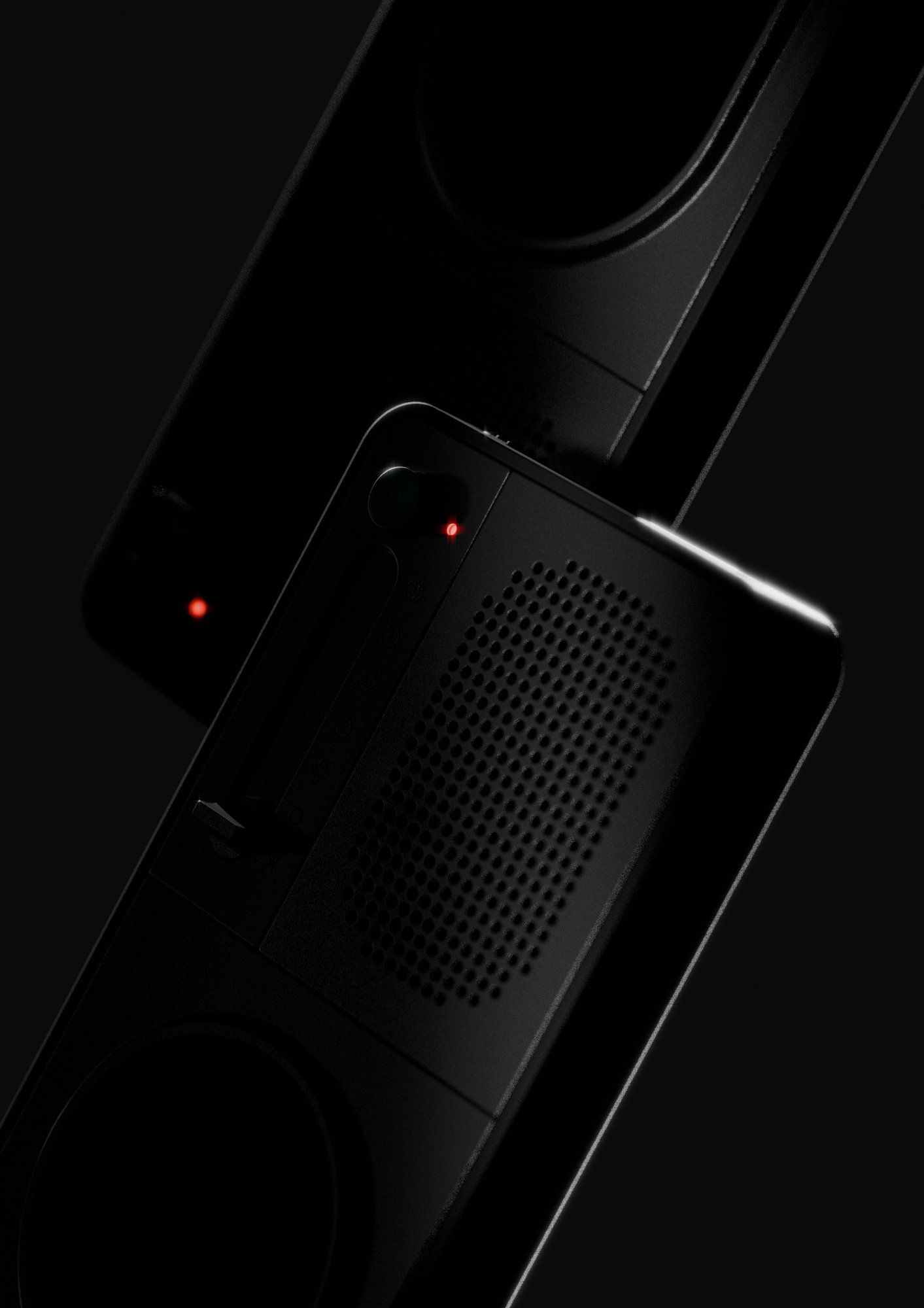
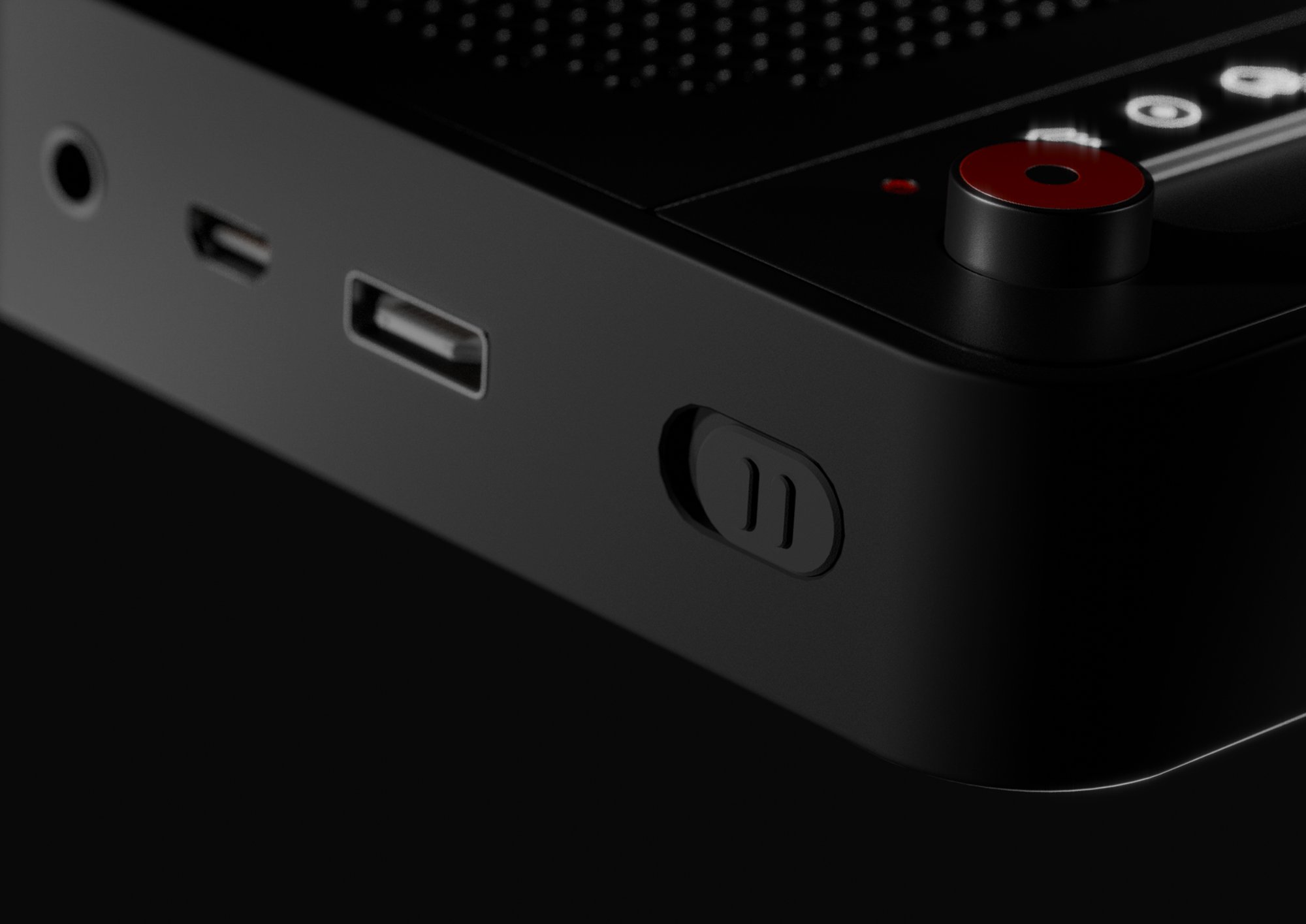
Sonica is a gesture-based music device. You play with your hands, and an AI engine responds in real time — composing with you, not for you.
Sonica is a modular, screen-light interface for exploratory music creation. Two portable units — a synth module and a beat module — capture free-hand motion via ultrasonic sensing to generate melodic and percussive prompts. Prompts are recorded on-device and paired; an AI engine then merges and arranges them into a cohesive instrumental.
The result reframes composition as an embodied, playful practice, balancing immediate control with open-ended experimentation and keeping the body at the center of the creative ritual.
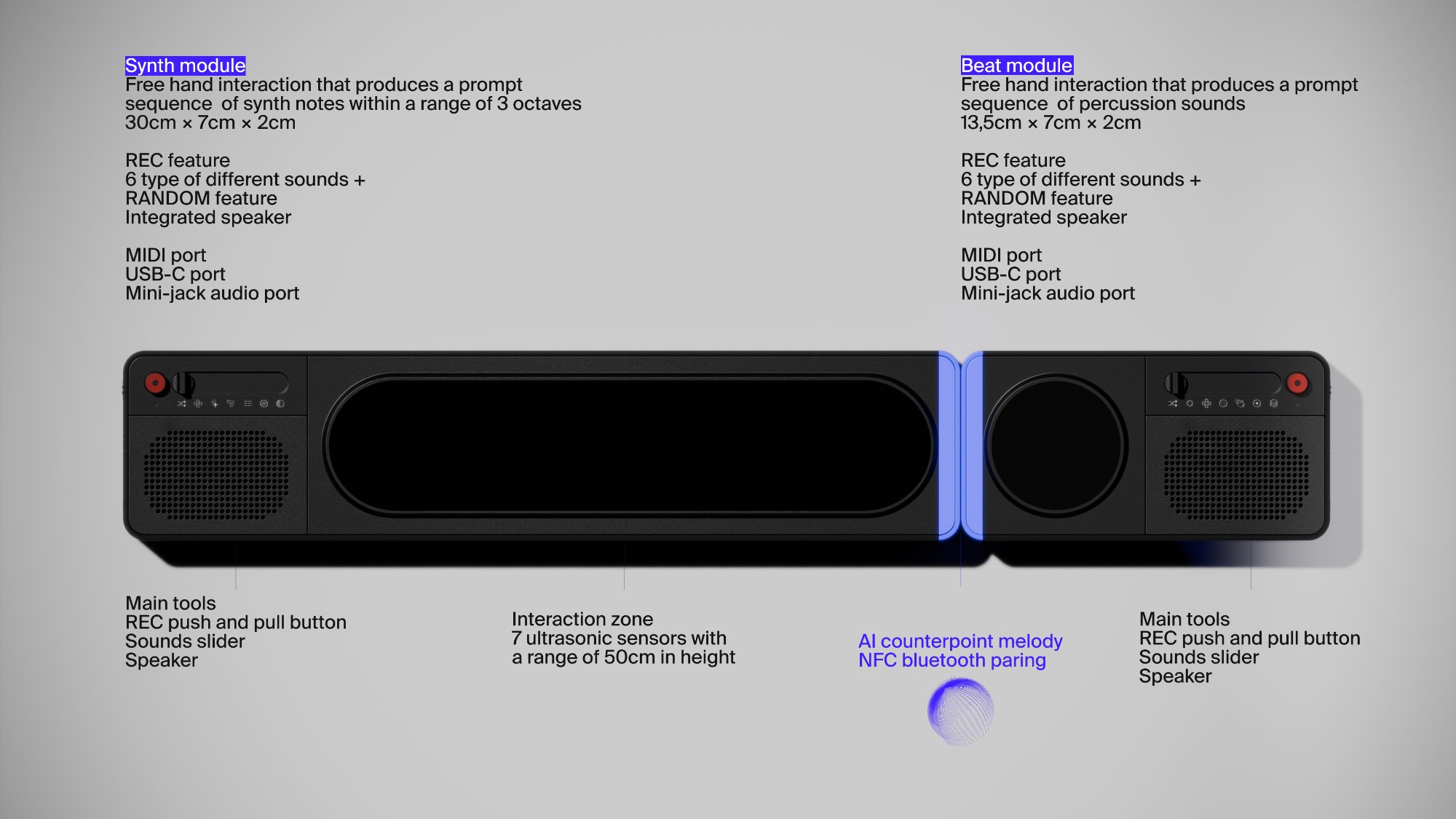
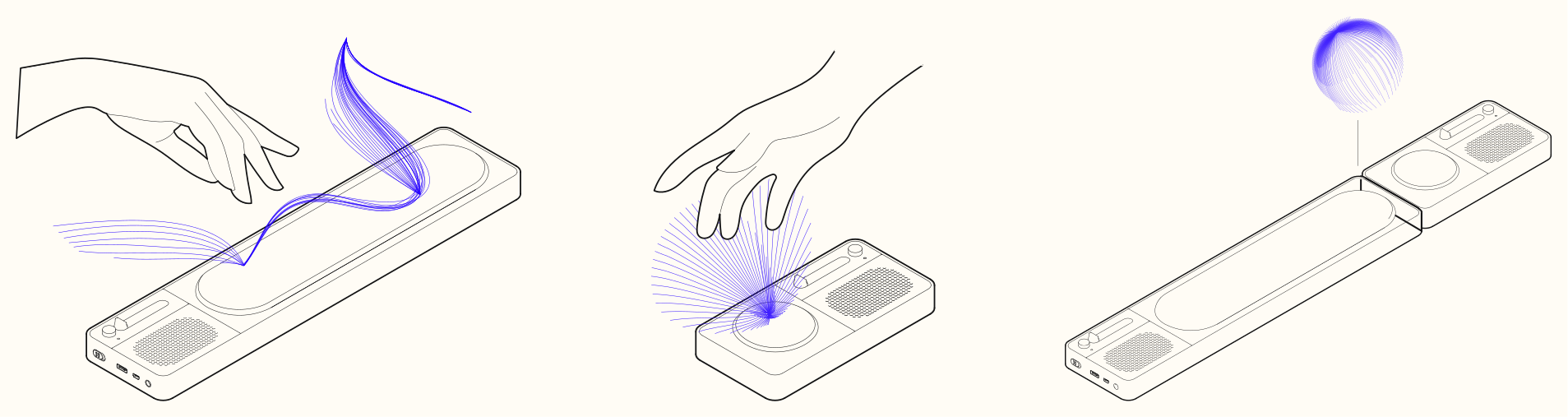
Power a module and pick a voice with the sound slider — or let Random choose. Compose in the air: above the synth unit, sideways motion walks through notes while up/down shifts the octave; above the beat unit, dipping into the zone triggers percussive hits and builds a groove. Press REC to capture a prompt, then bring the two modules together to pair them so they belong to the same idea.
An AI counterpoint engine syncs and lightly arranges the pair into a cohesive instrumental — designed as a starting point, not a finished track. Listen on the integrated speakers and export to a laptop/DAW over audio or MIDI for further shaping.
How it works — 3-step flow
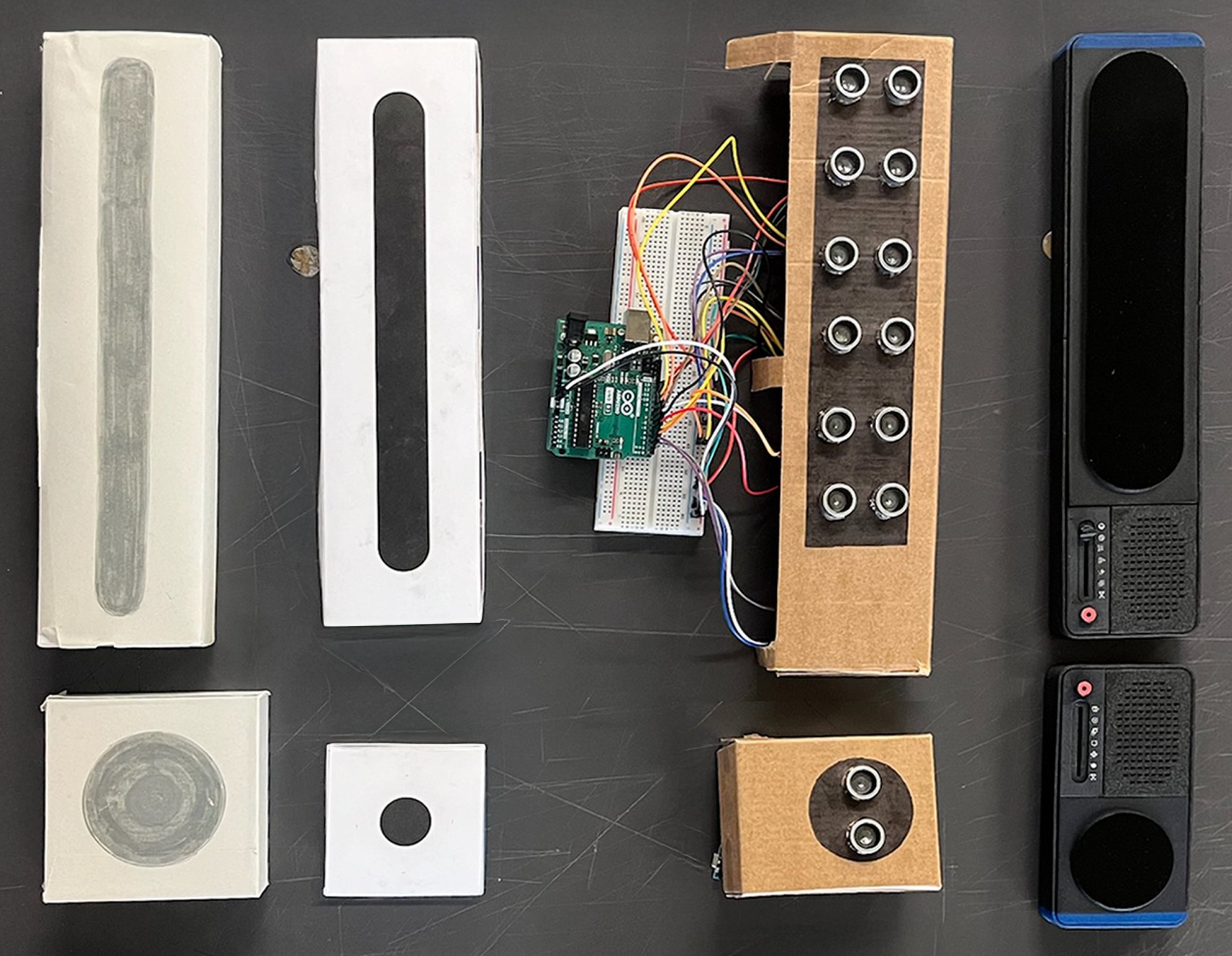
Sonica progressed from low-fidelity mock-ups and Wizard-of-Oz trials to a technical prototype used to validate sound and sensing. An Arduino rig with ultrasonic sensors streamed serial data into MAX for real-time audio feedback and mapping — using standard MAX serial I/O and ultrasonic libraries to keep latency and wiring simple.
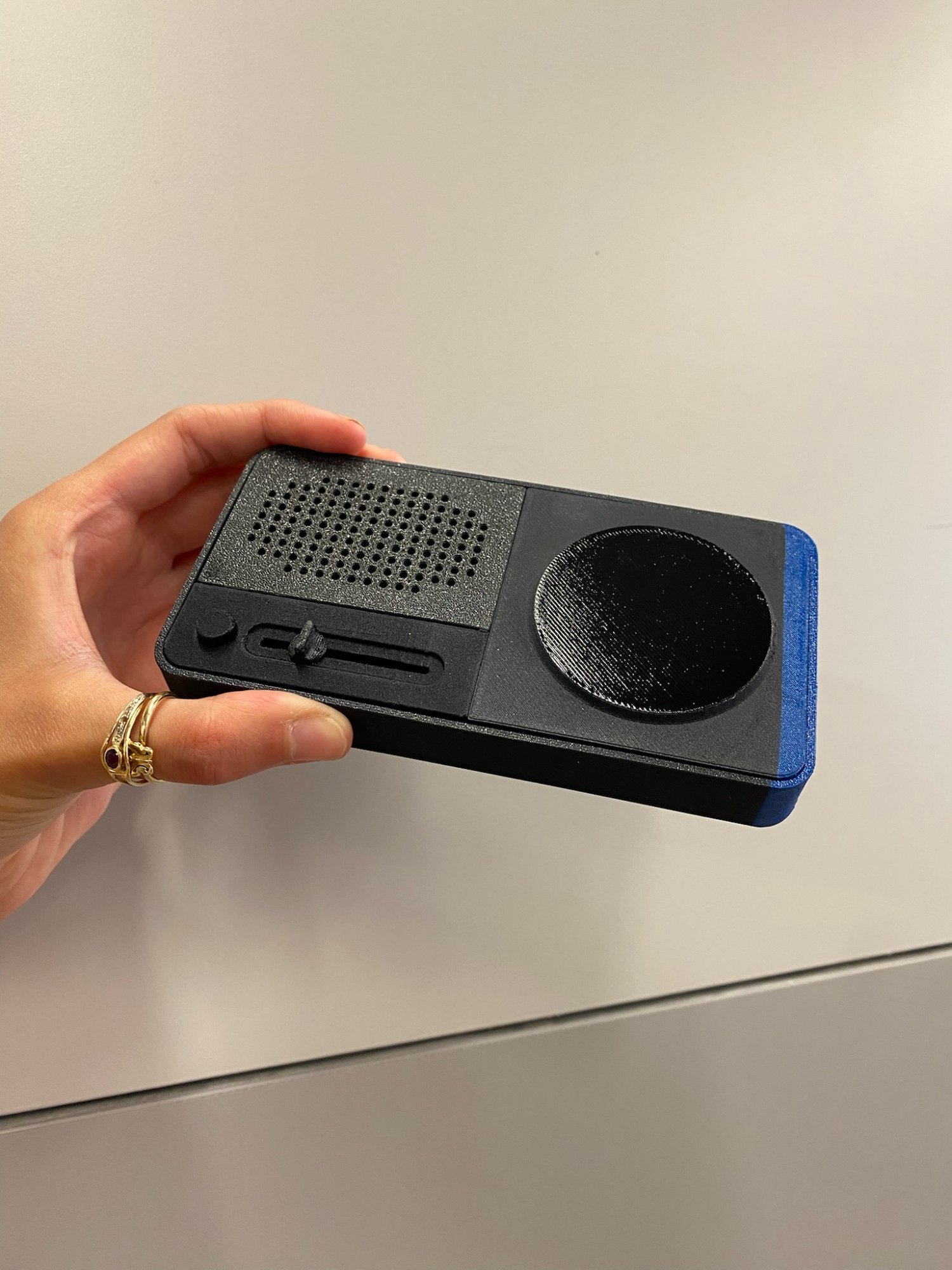
Along the way, the team tested affordances (e.g., slider vs. knob, symbol–sound match), iterated the beat gesture and the pairing gesture, documented a beat mock-up before adding signifiers, and converged on a final 3D-printed prototype for fast, tangible iteration.
These phases — (A) concept, (B) interaction, (C) coding, (D) user tests, (E) final product — are detailed in the project report, including the Arduino ↔ MAX setup used during testing.
Signal flow — Arduino × MAX
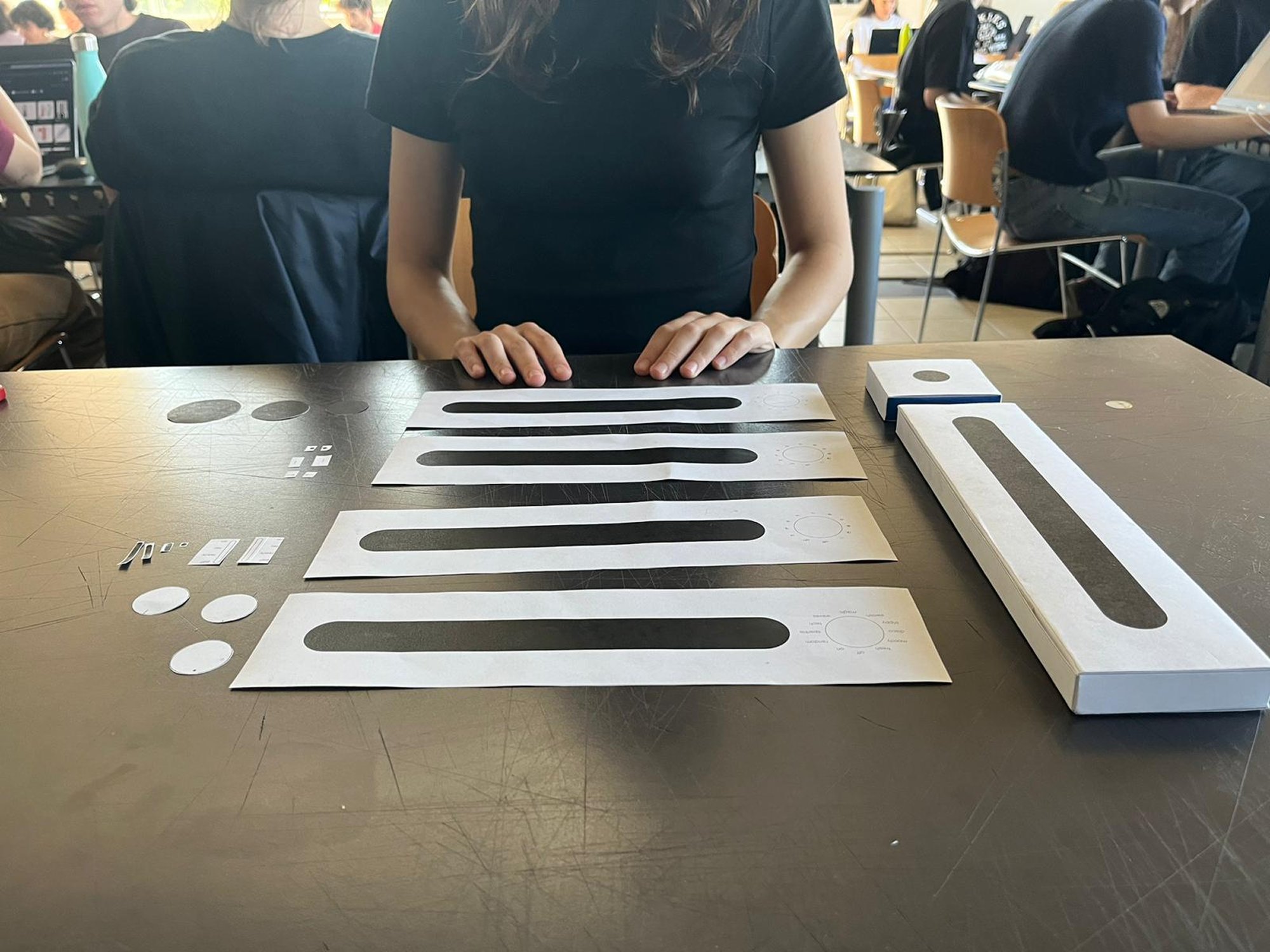
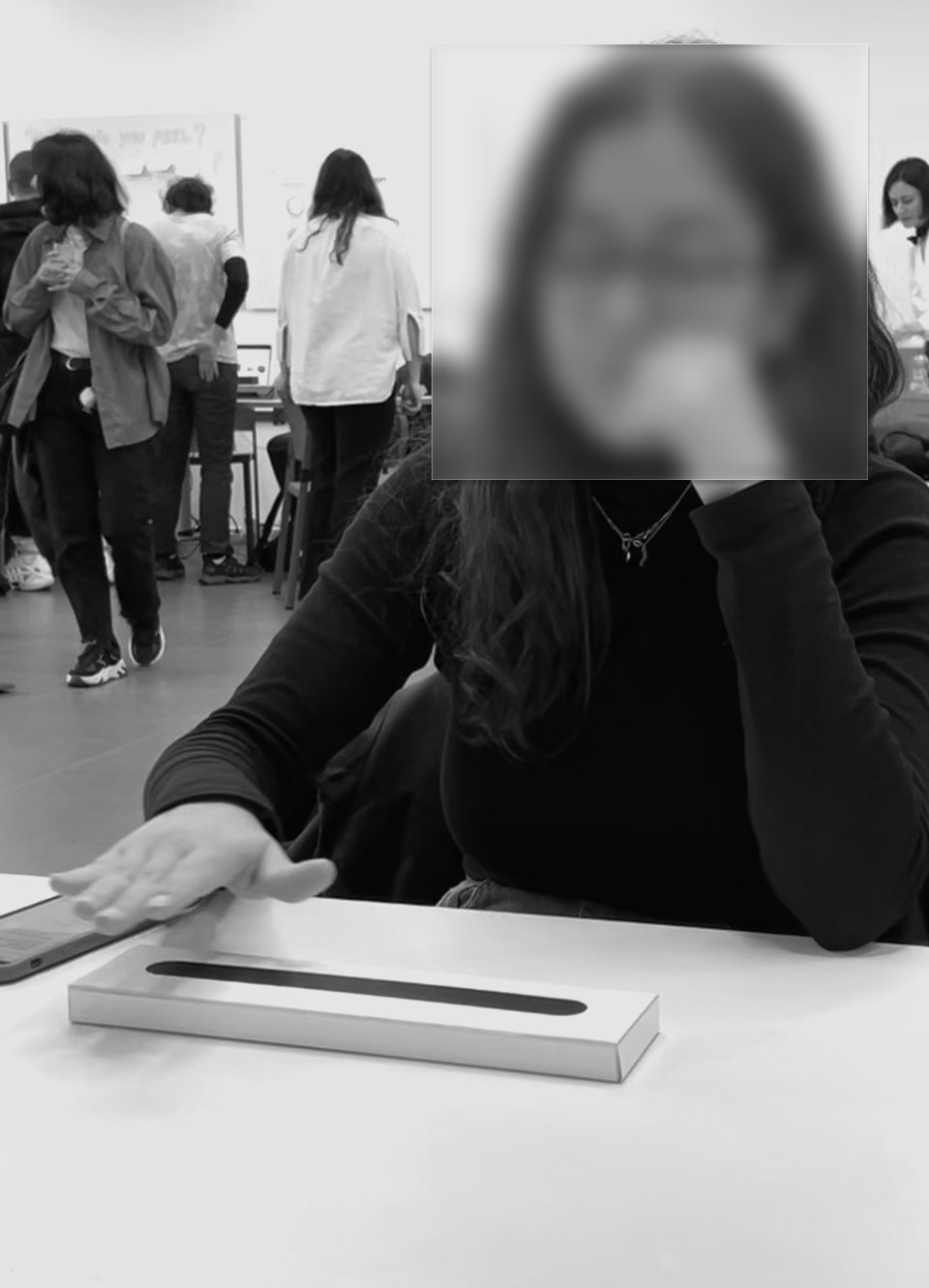
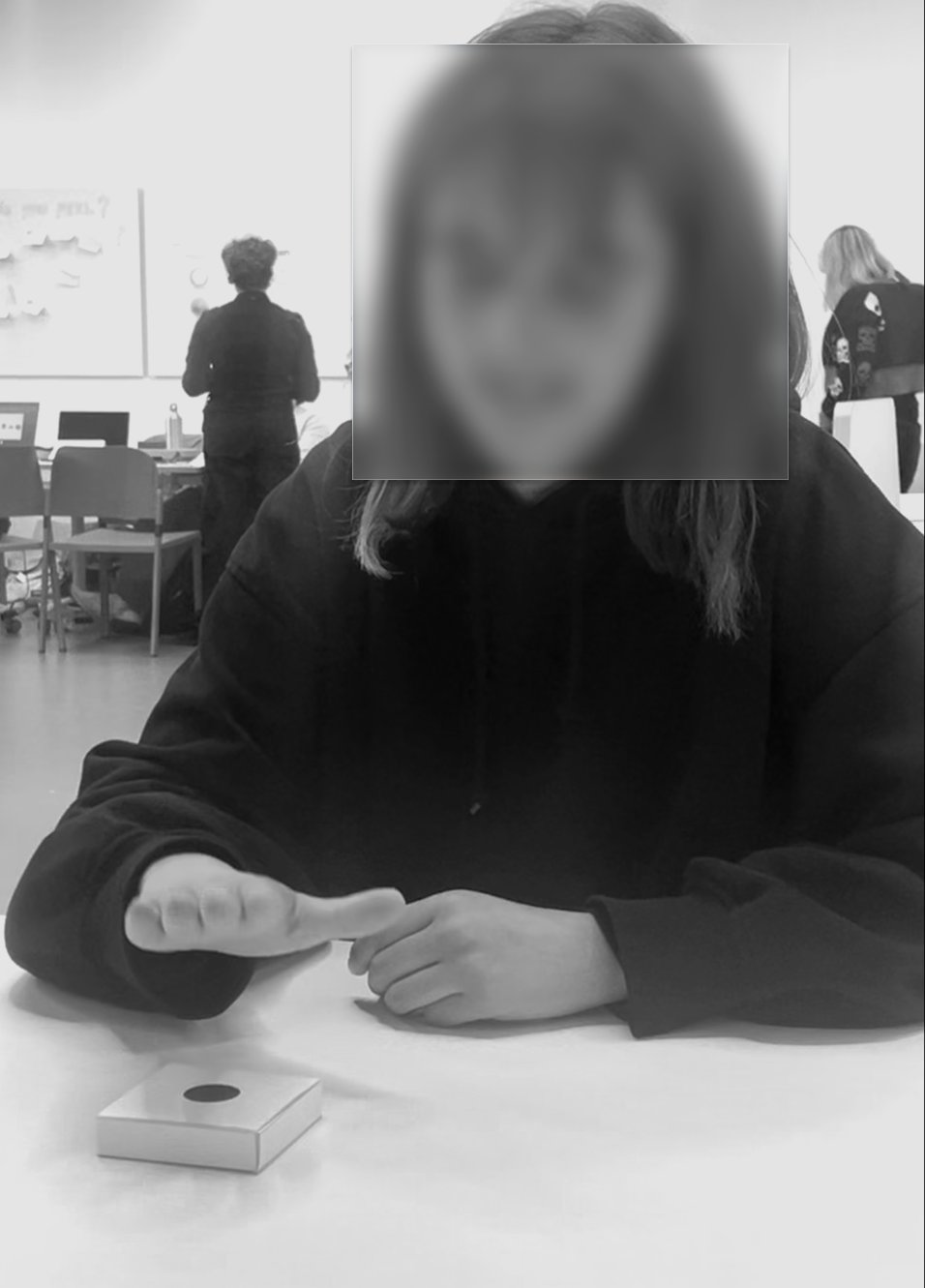
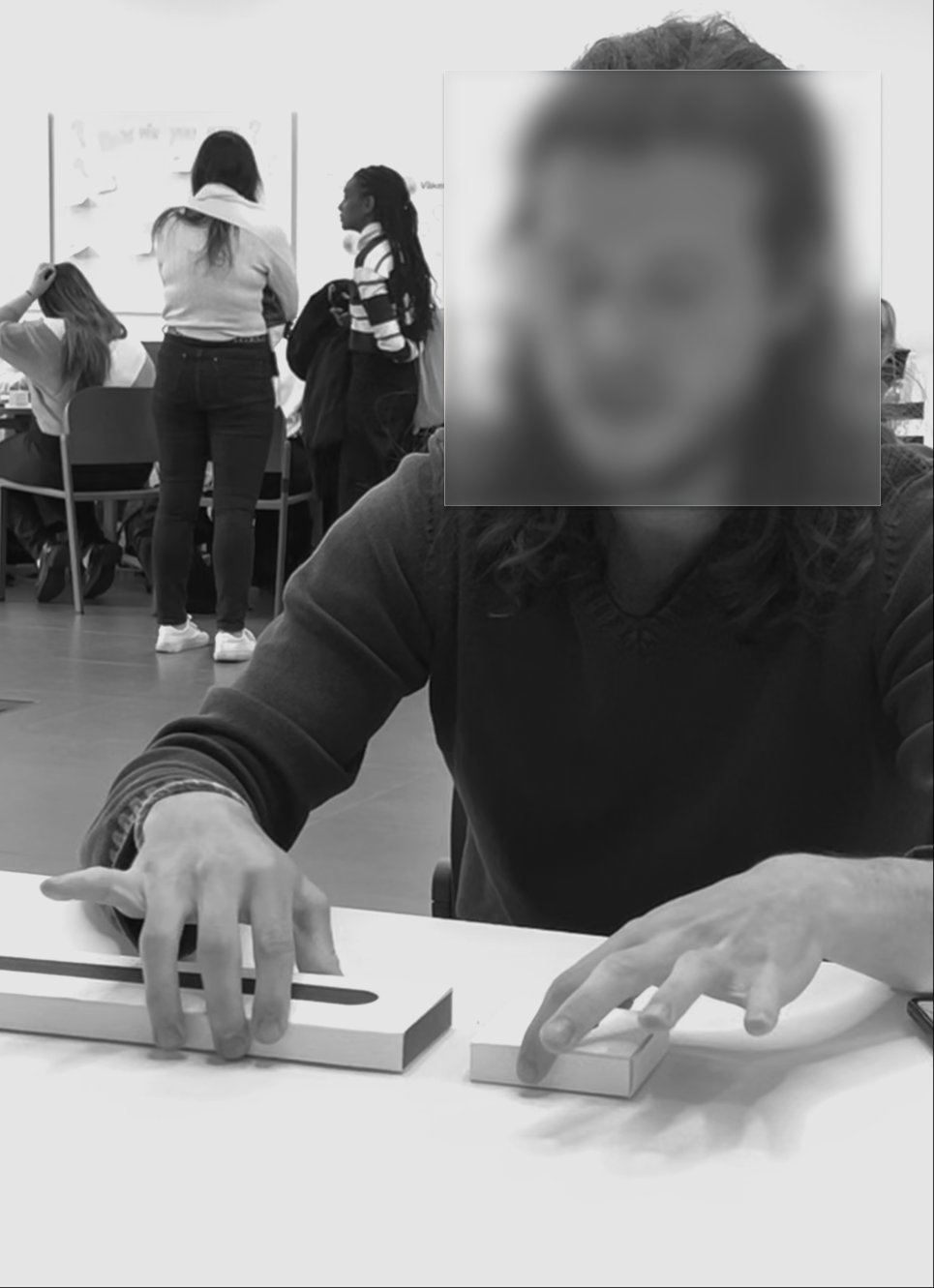
We conducted three rounds of user testing with 20 participants aged 20–70. The first round validated the interaction model with cardboard prototypes. The second focused on affordance design — users preferred sliders over knobs (65%) and symbols over text labels (70%). The final round confirmed the working prototype: 100% of users understood the touch-free interaction without any instruction.
20
Users tested
20–70
Age range
65%
Preferred slider
100%
Touch-free intuition
SEQ scores — 20 responses
Affordance test results
The final product consists of two modules — synth (30×7×2cm, 7 sensors) and beat (13.5×7×2cm, 1 sensor). When paired via NFC, the AI counterpoint melody engine generates a polished instrumental track — a starting point for creative exploration.